| Support Category: Admin Assistance |
| Specialist Notes: |
IMPORTANT! Please note that the following does not apply to DOC USPTO. They are not set up for Cornerstone MFA. |
WHAT SHOULD YOU KNOW? The DOC Administrators are currently working on enabling Multifactor Authenticator for many of their CLC Administrator users across most of their bureaus. 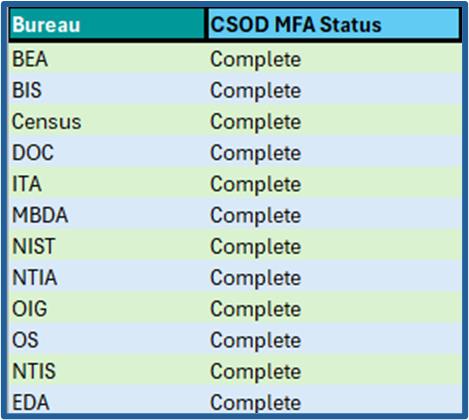 |
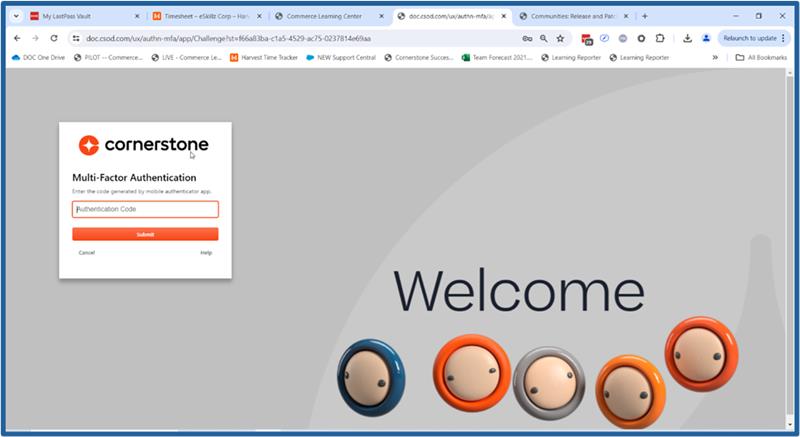
WHAT DOES IT MEAN? This means that once MFA is enabled for Administrators who work for the bureaus above and should they attempt to sign into the CLC using the manual login option (DOC email address and password ), they will be redirected to and presented with the Cornerstone/CLC MFA screen as shown in the following image.
➤If they login using the ADMINS button, they will not be prompted for the MFA code.
➤If you are uncertain as to how to identify an administrator, please ask the user and confirm this by ensuring they have 'ADM_' prefix.
or in some cases 'ADMLC-' prefix in their username and/or user ID field. 
|

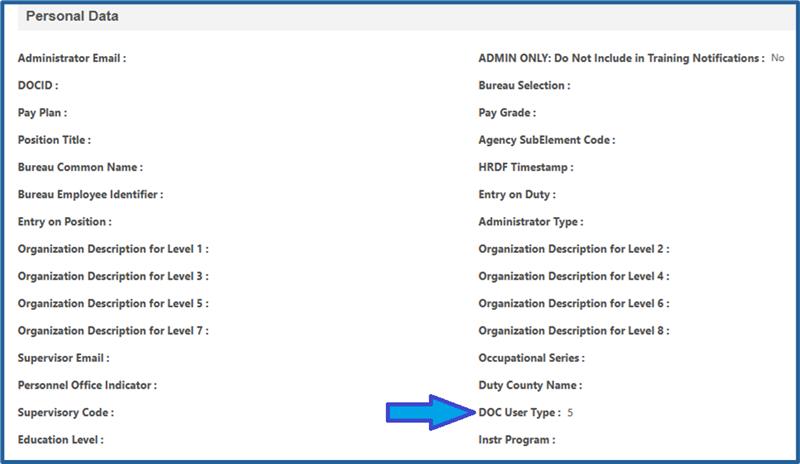
HOW SHOULD WE ASSIST? Concerning how we will be assisting CLC Administrators and the issues they may experience with the Cornerstone MFA, please follow the usual troubleshooting steps such as (but not limited to):
|
| Standard Response: |
